
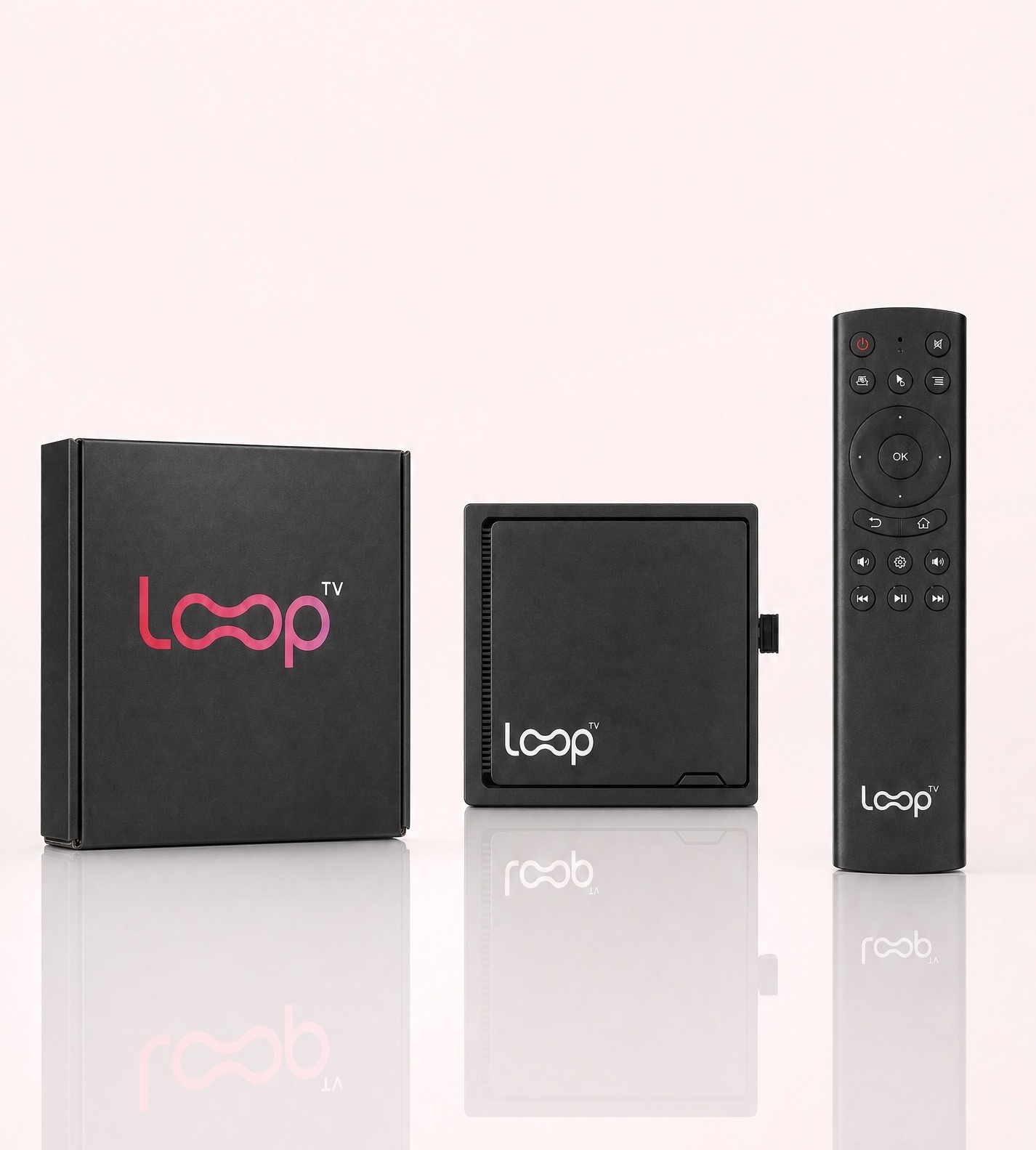
Cable boxes, long contracts and channel packages made sense when a lobby TV only had to show one thing. Today most businesses want more from the screen: entertainment that fits the room, a place for their own messages, and a setup they can manage without a service call. Here is how to make the switch.
1. Decide what the screen is for
A lobby TV usually does one or more of three jobs: keep people comfortable, share your own information (hours, specials, announcements), and carry advertising. Knowing the mix up front tells you what to look for in a replacement.
2. Check the rules on commercial use
Many consumer streaming apps are licensed for personal viewing. Before you put one on a screen customers can see, read its terms for business or public display. A player built for venues removes that question.
3. Choose a player made for businesses
Look for a player that runs on the TV you already own, needs no cable box, and lets you manage everything remotely. Loop TV is built for small businesses: TV entertainment, digital signage and an advertising option, all from one plug-and-play player.
4. Confirm the basics
You need a TV with an HDMI port and a Wi-Fi connection. That’s it.
5. Plug in. Connect. Play.
Connect the player to the TV’s HDMI port, join your Wi-Fi network and choose a channel. With Loop, channels can play with the sound on or off, so you can match the room: lively at a bar, quiet in a waiting area.
6. Manage it from your phone
MyLoop is a web page you log into from your phone or computer, so you can change channels and manage your screen without standing in front of it. Venues can also upload their own signage and use the scheduler to build a custom channel from it, so a lobby can show its own menu or announcements between entertainment.
7. Run both for a week, then decide what to keep
Keep your current service connected while you test the new setup at your busiest and quietest hours. Many venues keep sports on their main screens and let Loop run the rest. If cable only feeds a lobby screen, you can cancel it once Loop works the way you want.
Frequently asked questions
Do I need special equipment? A TV with HDMI and Wi-Fi, plus the player.
Can I show my own content? Yes. Upload signage in MyLoop and schedule it.
Can I have more than one screen? Extra screens depend on venue type, size and Loop approval.
Ready to try it? See how Loop TV works for your business, or get Loop TV.