
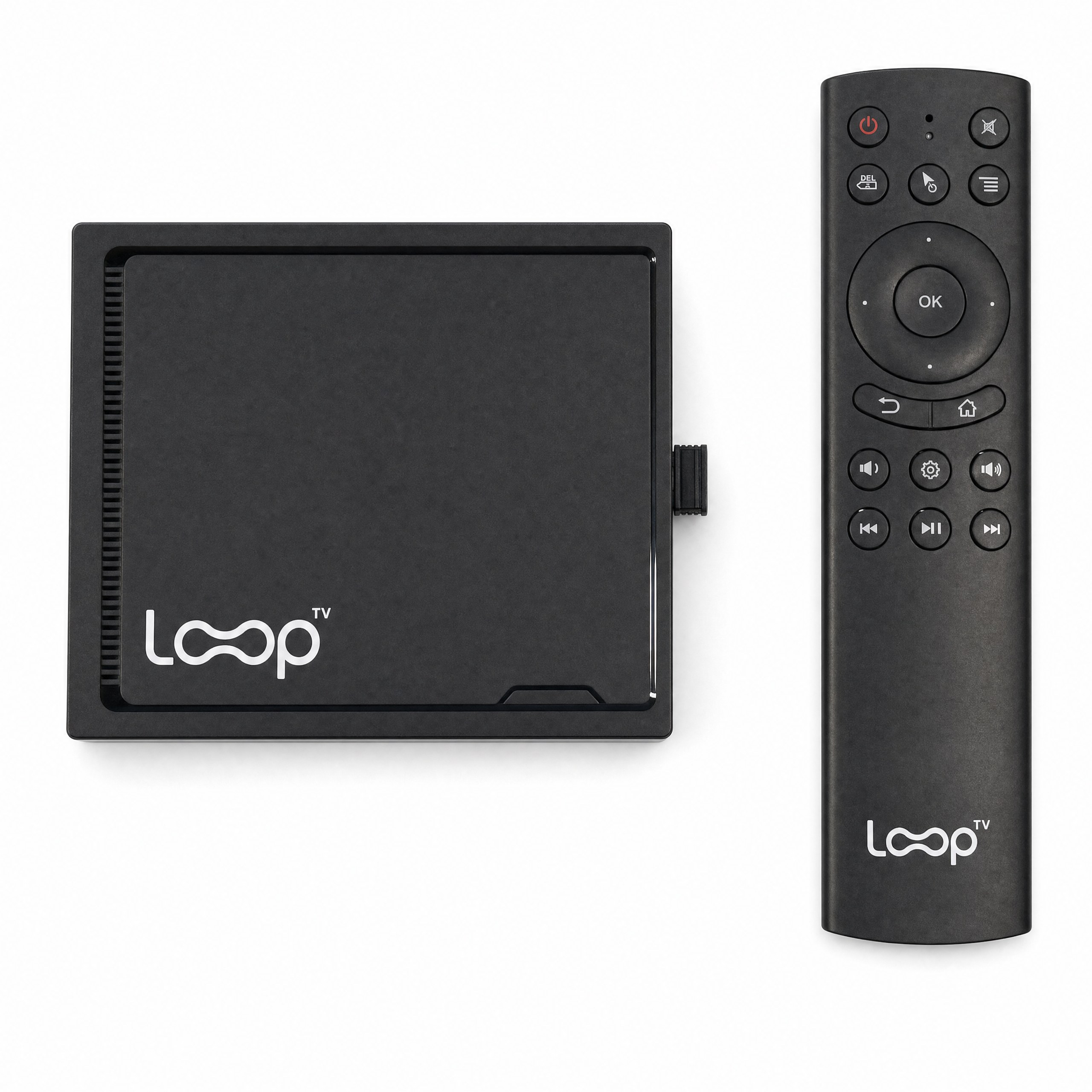
Loop TV is built for businesses that want a screen that works as hard as they do. Here is what it is, where it fits best, and what to know before you choose.
What Loop TV is
Loop TV is a plug-and-play player that brings TV entertainment, digital signage and an advertising option to your venue’s screen. Plug in. Connect. Play. You need a TV with HDMI and Wi-Fi. Channels play with sound on or off, and you manage your screen in MyLoop, a web page you log into from your phone or computer.
Where it fits best
- Bars. Lively channels that keep the room energized, with sound on or off.
- Gyms. Motivating content that makes time on the floor go faster.
- Casual dining. Entertainment that suits the room, with your own specials alongside it.
- Point-of-care offices. Calm waiting-room programming with space for your own messages.
- And more. Any small business with a screen and an audience.
What you control
In MyLoop you can change channels, upload your own signage and use the scheduler to build a custom channel. A venue can run entertainment most of the day and show its own menu, hours or announcements at the right moments. If you prefer a screen without ads, Loop TV offers a paid ad-free option.
Music and your own playlist
Loop’s music channels are background music with a screensaver. If you already have a music service or playlist you love, play it through your own speakers and run Loop with the sound off. You get the picture, your signage and your channels, and your music stays yours.
How to get started
Connect the player to your TV’s HDMI port, join your Wi-Fi network, and choose a channel. Then log into MyLoop to add your own signage and schedule it.
Frequently asked questions
What do I need? A TV with HDMI and Wi-Fi, plus the player.
Can I show my own content? Yes. Upload signage in MyLoop and schedule it.
Can I turn off ads? Yes. Loop TV offers a paid ad-free option.
Can I play my own music? Yes. Play your own music and run Loop with the sound off.
Can I have more than one screen? Extra screens depend on venue type, size and Loop approval.
Ready to try it? See how Loop TV works for your business, or get Loop TV.