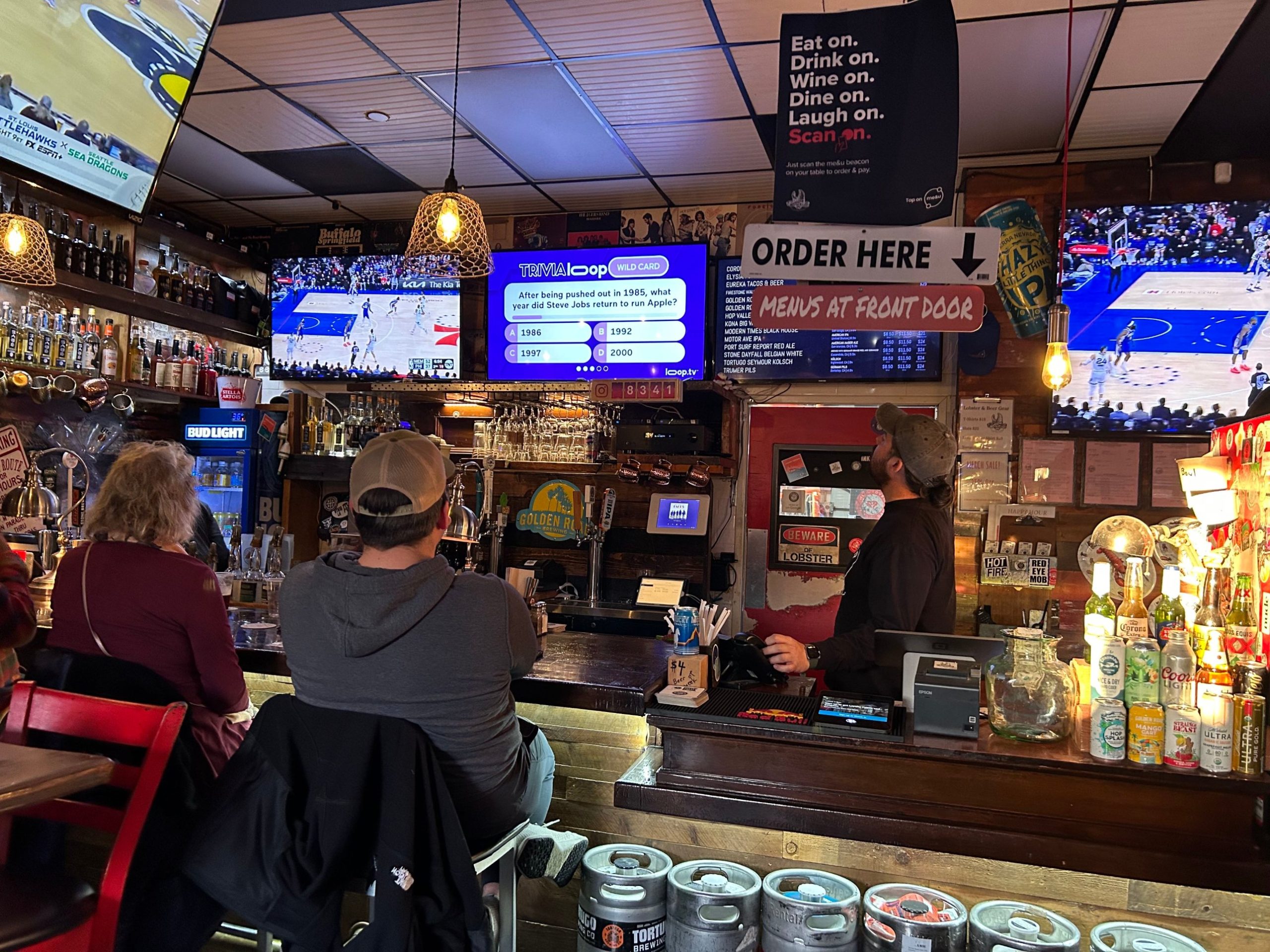
In a bar, the TV is part of the atmosphere. It gives people something to look at, keeps them in the room, and can tell them what is happening tonight. Here is what a bar screen should do, and how to set one up without a lot of work.
What a bar screen needs to do
- Keep the room lively. Entertainment that suits your crowd and your hours.
- Promote what you sell. Happy hour, specials, events and new menu items.
- Give you control of the sound. Some rooms want it on. Many want music of their own over the picture.
- Be easy to manage. A bartender or owner should be able to change it from a phone.
- Be built for business. A public room needs more than a home setup.
Why home streaming falls short
Many consumer streaming apps are licensed for personal viewing, so check the terms before putting one on a screen your customers can see. They also give you little room for your own messages, and each TV has to be managed on its own.
How Loop TV works in a bar
Loop TV is a plug-and-play player built for venues. It combines TV entertainment, digital signage and an advertising option. Plug in. Connect. Play. You need a TV with HDMI and Wi-Fi.
- Channels with sound on or off. Pick what fits the room at that hour.
- Your own signage. Upload specials and event graphics in MyLoop, a web page you log into from your phone or computer.
- A custom channel. Use the scheduler to put happy hour, trivia night or a new menu on the screen at the right time.
Keep your sports package
Loop does not replace your cable or sports package. Keep the game on your main screens and let Loop run the rest of the room.
Music: bring your own
Loop’s music channels are background music with a screensaver. If you already have a music service or playlist your regulars love, play it through your own speakers and run Loop with the sound off. You get the picture and your signage, and your music stays yours.
A quick way to decide
If you only need something on in the background, almost any TV will do. If you want the screen to keep the room lively and promote your specials, with one person managing it from a phone, choose a solution built for bars and other venues.
Frequently asked questions
Do I need a special TV? No. A TV with HDMI and Wi-Fi works.
Can I promote my own specials? Yes. Upload signage in MyLoop and schedule it.
Can I play my own music? Yes. Play your own music and run Loop with the sound off.
Can I turn off ads? Yes. Loop TV offers a paid ad-free option.
Can I have more than one screen? Extra screens depend on venue type, size and Loop approval.
Ready to try it? See how Loop TV works for your business, or get Loop TV.