
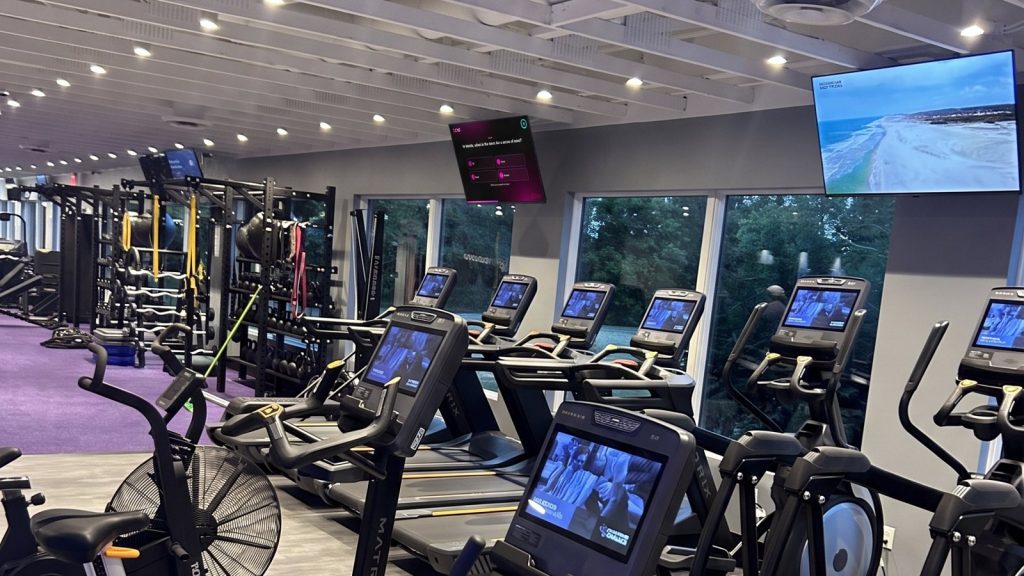
Gym TVs do a lot of quiet work. They keep a cardio session from dragging, give a stretching member something to watch, and tell people what is happening in the club without a staff member saying a word. The difference between a screen that helps and a screen that gets ignored is the content on it. This guide covers what to put on your gym screens, where to put it, and how to keep it current without adding to your to-do list.
What gym members want from the screens
Members use gym TVs in different ways depending on where they are standing. On the cardio floor they want something to watch that makes time pass. In the weight room they want energy and a glance at the time or the class schedule. In the lobby and waiting areas they want to know what is going on and where to go. A good setup treats each of these as its own job instead of running one thing everywhere.
A content mix that works
- Entertainment channels. Video channels keep screens interesting for members on the cardio floor and in lounge areas. Loop TV channels come with sound, and we recommend running them with the sound on.
- Your own signage. Class schedules, new-member offers, trainer spotlights, event announcements and house rules all belong on screen. Upload them once and they run on their own.
- Motivation and community. Member milestones, challenges and staff picks give the screens a personality that no generic feed can.
- Time-of-day variety. Early morning, lunch rush and evening crowds want different things. Schedule content to match.
For specific ideas you can start using today, see our list of 12 digital signage content ideas for gyms.
Match the content to the zone
- Cardio floor: entertainment channels up front, with short signage spots between them.
- Weight room: high-energy content and the clock. Keep the sound low or off if the room already has its own audio.
- Studios and class areas: the day’s class schedule and instructor info.
- Lobby and front desk: welcome messages, upcoming events and what is new at the club.
- Waiting and lounge areas: easy-to-watch channels and a few announcements.
Sound on or off
Sound is a room-by-room call. A cardio floor with its own music can run Loop channels with the sound off, while a lounge or lobby may work better with sound on. If you want to play your own music, play it through your own speakers and run Loop with the sound off. Either way, the screens keep working for members who are wearing headphones.
Keep the content fresh with MyLoop
MyLoop is the web page you log into to manage your screens. From there you can pick channels, upload your own signage and use the scheduler to build your own custom channel from it. A gym can set a morning channel, a midday channel and an evening channel once, then let the schedule run. When a class changes or a new offer starts, swap the signage in MyLoop and it updates on the screens.
Getting set up
Plug in. Connect. Play. You need a TV with HDMI and Wi-Fi. Plug the Loop player into the TV, connect it to Wi-Fi, and pick your channels in MyLoop. Extra screens depend on your venue type, size and Loop approval, and they are all managed in the same place.
A quick checklist
- Decide what each zone needs: entertainment, information or both.
- Run your channels with the sound on.
- Upload your class schedule, offers and announcements.
- Schedule different content for morning, midday and evening.
- Review the signage every month so nothing goes stale.
Gyms are one of many venues Loop TV works in, along with bars, casual dining, waiting rooms and more. If you run a gym and want to see whether Loop TV is a fit, fill out the form on the Loop TV website to see if you qualify for a Loop TV player. For more on running a gym with screens that work, read Dear gym owners: please stop being salesy and do this instead.