
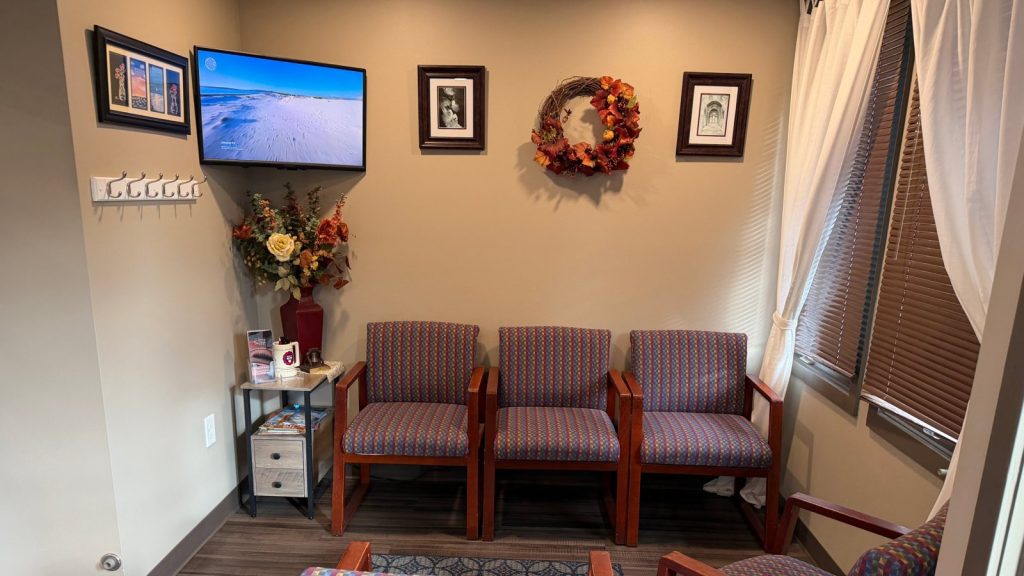
Waiting is the part of the visit nobody enjoys, and a blank wall or a silent TV makes it feel longer. The right content on a waiting room screen helps people relax, keeps the room calm and answers questions before anyone has to ask. Here is what works in medical and point-of-care waiting rooms, and in any other place where people sit and wait.
Give people something easy to watch
Choose content that is pleasant and simple to follow without sound. Calm video channels work well because people can glance up, look away and come back without missing anything. Loop TV channels come with sound, and we recommend running them with the sound on.
In MyLoop, the Welcome & Wait picks are made for spaces like this: Amazing Destinations, Earth’s Natural Wonders, World’s Greatest Cities, World Tour, Landmarks and Cinematic Sites. If you browse by mood instead, Calm & Scenic under Choose Your Vibe has more to pick from, including Starscapes and Cosmos.
Use your own signage for the practical stuff
- What to expect: check-in steps, estimated flow and where to go next.
- Office information: hours, services, new staff and holiday closures.
- Reminders: forms to bring, how to update contact details and how to reach the front desk.
- Community touches: staff introductions and local notices.
Upload your signage once in MyLoop, the web page you log into to manage your screens, and use the scheduler to rotate it with your channels.
Keep the mix balanced
A good waiting room screen is mostly easy viewing with short signage spots in between. Too much text feels like a bulletin board, and too little feels like dead air. Review your signage every month so nothing goes out of date.
Set it up in minutes
Plug in. Connect. Play. All you need is a TV with HDMI and Wi-Fi. Waiting rooms are one of many places Loop TV works, along with bars, casual dining, gyms and more. To see if your business qualifies for a Loop TV player, fill out the form on the Loop TV website.